

Picture this: you’re sitting in a crowded airport, grabbing a quick coffee before your flight, and you hop on the free WiFi without a second thought. It feels harmless, but that simple tap can expose your personal information to anyone watching the network.
Staying safe online while traveling internationally starts long before your plane takes off. In this guide, you’ll learn exactly how to protect your data, secure your devices, and stay ahead of the risks that most travelers never even notice.
Many travelers assume danger only happens on the street, but digital risks grow the moment you connect to an unfamiliar network. Airports, hotels, and cafés attract attackers because they know tourists rely on public WiFi. When a connection looks free and convenient, it can also be an entry point for someone trying to intercept your data.
If you’re moving through multiple countries, your devices will meet different laws and privacy standards. Preparing ahead gives you more control over your information and reduces the chance of exposing sensitive accounts.
Public WiFi is often the biggest threat to your online safety while traveling internationally. These networks usually lack security and make it easy for someone nearby to snoop on your activity. Even simple tasks like checking your email can become risky in crowded places.
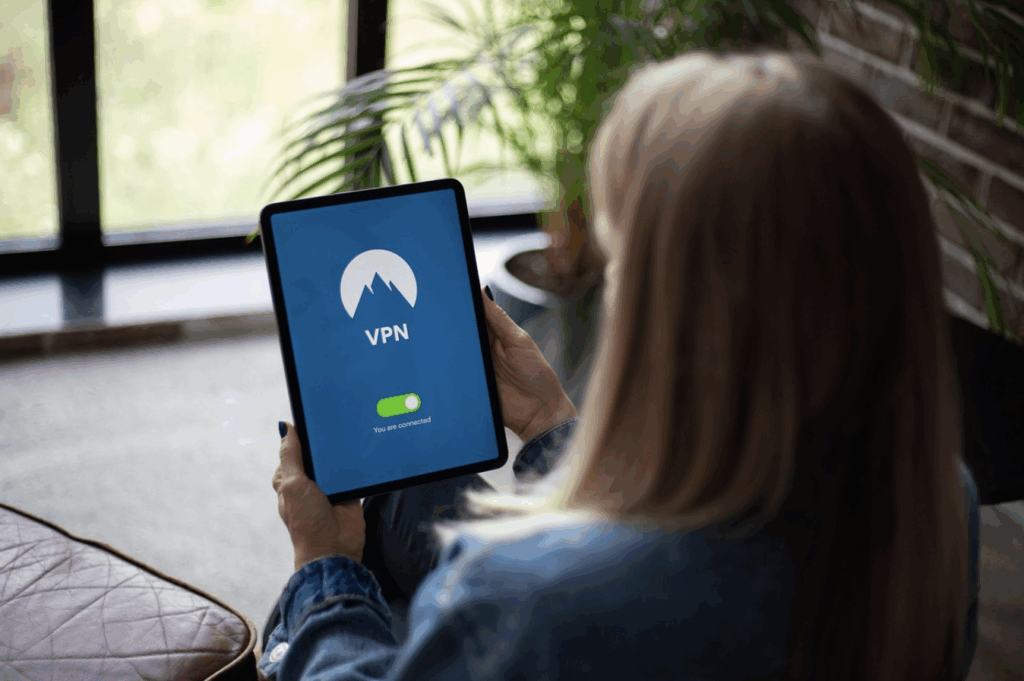
To avoid those issues, use secure data options when possible. This is also where a privacy tool like Bitdefender VPN fits naturally into your travel routine, keeping your connection encrypted even on unfamiliar networks.
Before listing the tips, remember that small habits make the biggest difference. Here are some smart precautions to take that can help protect your privacy each day:
Your devices hold photos, documents, payments, and access to most of your essential accounts. Because of that, keeping them locked down is one of the most reliable ways to stay safe online while traveling internationally. A few changes to your settings can make your data far less appealing to attackers.
Use strong authentication and adjust privacy settings before you leave. These simple steps protect your information whether your device stays in your pocket or your hotel room.
It only takes a few minutes to tighten your device settings before a trip. These small tweaks can dramatically reduce the odds of someone accessing your data.
Digital safety isn’t just about tools. Your habits play a big role in reducing risk. For today’s travelers, being cautious when clicking unfamiliar links, avoiding sensitive tasks on shared computers, and keeping your devices within reach can all prevent problems before they start.
Many travelers also forget to back up their data regularly. This helps you recover quickly if your device is lost, stolen, or damaged during your trip.
Staying safe online while traveling internationally doesn’t have to feel overwhelming. Build a few smart habits and stay alert to your surroundings so you can move confidently through any airport, hotel, or café without worrying about who’s watching your connection.
Keep using secure networks, protect your devices, and stay aware of the risks that catch most travelers off guard. For more practical tips and tools that make digital safety easier on the road, explore the rest of our blog and keep your adventures running smoothly.
Counter
101 Countries • 1432 Cities